Home Automation Approach

Recently I’ve been doing some more work on the Home Automation design in conjunction with the Lighting design and now I’m pretty much settled on an approach.

Some aspects of home automation technology are changing very rapidly at the moment and it doesn’t make sense to invest in a solution that will become out of date within a few years, but it’s still sensible to make provision for controlling the basic domestic services automatically / remotely.

It’s the user interface aspects of home automation which are changing most rapidly. The introduction of smart phones and tablets has consigned hard-wired, wall-mounted touch screens to the history books and ongoing developments in voice control technologies like Apple’s Siri, Microsoft’s Cortana and Amazon’s Echo mean we’re likely to be controlling many things by talking to them in the future. My conclusion is therefore that spending a lot of money in home automation user interface technologies at this time is likely to be a poor investment.

What’s not changing anything like as fast is the “things” which need to be controlled – rooms have lights which need turning on and off (or dimming), windows have blinds or curtains which need opening or closing and heating systems need to react to changes in temperature and occupancy. Wherever systems are installed into the fabric of the building it makes sense to make those controllable by something other than a simple hard-wired switch; lighting is the most obvious example but the same principle applies to other systems too.

Given that the mechanisms by which the control will be applied are likely to change (several times) over the life of the building it’s important to avoid using proprietary devices which need to be managed using a specific, proprietary controller. Using devices which implement industry standards means they can be controlled by a variety of sources and the impact of one manufacturer going out of business or choosing to stop supporting a particular product is greatly reduced. The two most relevant industry standards are DALI, the Digital Addressable Lighting Interface and KNX, a more generic building automation standard. Both are defined in international standards documents and both are supported by a range of devices from different manufacturers which can be happily mixed-and-matched.

My current intent is as follows:

  • The fixed lighting will be controlled using DALI, the Digital Addressable Lighting Interface in conjunction with a KNX-to-DALI gateway – mostly this means using DALI-controlled LED drivers or relays
    • Rationale: there’s a lot more choice of DALI-controlled lighting drivers than native KNX-controlled lighting drivers, and one KNX-to-DALI gateway makes up to 64 lighting circuits controllable via KNX
    • Also, if I can keep the number of KNX devices to no more than 20 I can use the Lite version of the ETS configuration software which saves me having to upgrade to the Professional version
  • Every room will have a simple momentary-action light switch so that anyone unfamiliar with the more advanced control facilities can still turn the lights on or off
    • This will be connected using KNX wiring so it could be replaced with a native KNX switch in the future
  • Other fixed devices will be controlled using KNX
    • The electric openers for the clerestory windows, which are too high to reach to open manually and will mostly be opened and closed automatically to help with cooling in very hot weather
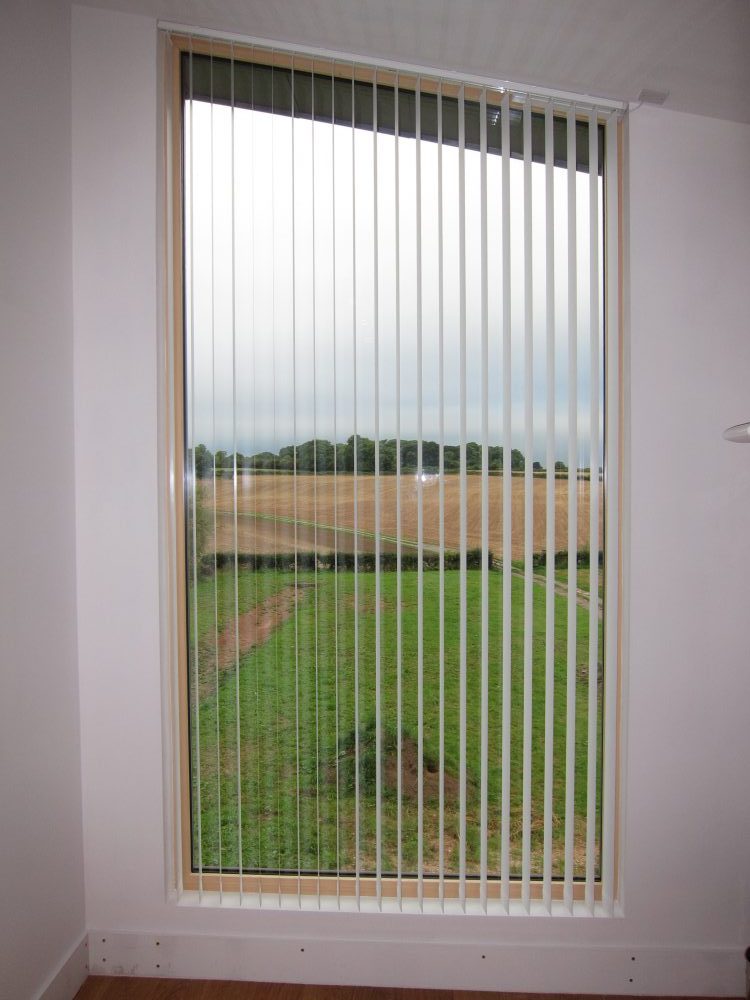
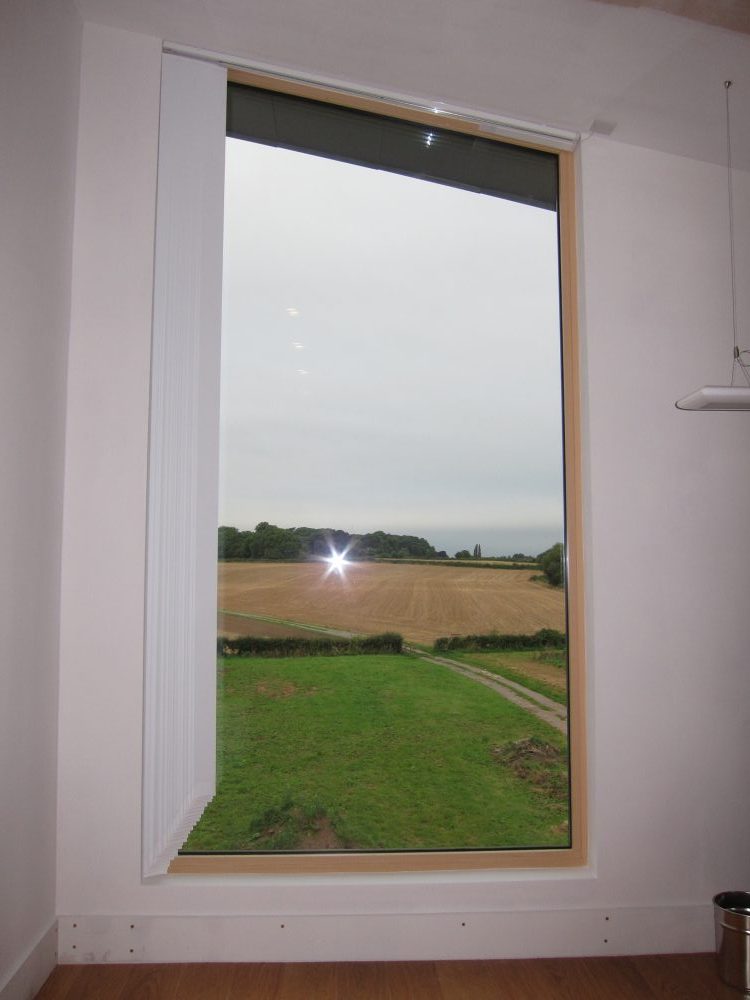
    • The window blinds
    • The integration between the Intruder Alarm and Ventilation systems – e.g. “turn the ventilation down to the Trickle setting when the alarm is set” (i.e. the house is unoccupied)
    • The underfloor heating (maybe; not yet sure whether that will need enough control to warrant using KNX)

While the hard-wired drivers and relays will be installed by an electrician the programming will be my responsibility. I need to start confirming my product choices and buying some of the devices so I can ensure I will be able to make them work the way I want.

KNX Home Automation – Free ETS Software and Training

I’m mostly settled on using a home automation system based on the KNX standard. I like the fact that:

  • It’s not a proprietary solution defined by one company but rather a standard defined and owned by a semi-independent standards body (the KNX Association) and formally ratified as an international standard (ISO/IEC 14543-3).
  • KNX-compliant devices are designed and manufactured by a variety of different companies, including some of the big players like ABB and Schneider Electric. Devices from different manufacturers can be mixed and matched as part of a single installation.
  • The standard has been around for a while and it’s relatively well used, albeit more in commercial installations than domestic ones. That provides a level of confidence that KNX-compliant products and support won’t be going away anytime soon.
  • There are some decent solutions for integrating with alternative technologies, so not every home automation device has to talk the KNX protocol directly.

A KNX installation does not need a central control unit. The individual devices all have the intelligence to listen for messages from other devices – so for example a particular lighting dimmer might be told to listen for messages from a particular light switch and also from a particular movement sensor. This means that each KNX device needs to be programmed and that is done using software called ETS which is maintained by the KNX Association rather than by the individual device manufacturers.

ETS is commercial, licensed software (only for Microsoft Windows, unfortunately) and is charged at different levels depending on the size of the installation being programmed:

  • A Demo version is available for free but is limited to 3 devices per installation.
  • A Lite version is priced at €100 but is limited to 20 devices per installation.
  • A Professional version is priced at €900 but has no limit on the number of devices.

However, the KNX Association provide some free web-based training courses and on successfully completing those they give you a voucher for the Lite version of the software, which essentially means you can programme an installation containing 20 devices for free.

Update 2014-11-11: Actually it’s not quite “free”. For ETS5 the only option is to have a license delivered on a physical USB “dongle” which costs €60, plus €15 postage and packaging, plus VAT. The €140 cost of the actual licensed is waived when using the voucher received on the successful completion of the training, but these other costs are not.